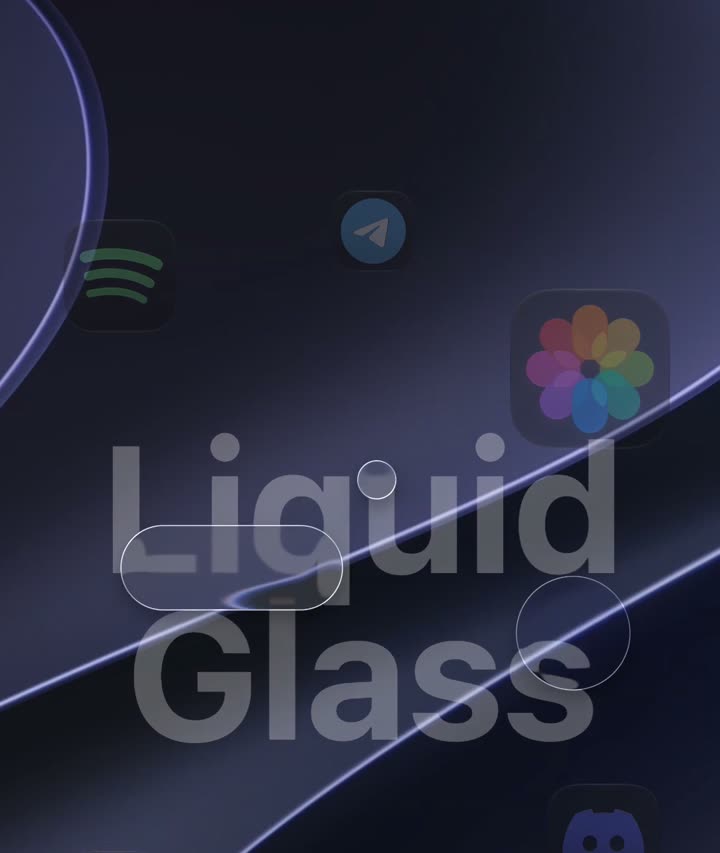
Real Liquid Glass.
Not a blur. The refraction, rim light and dispersion of macOS 27's glass shader, re-implemented and drawn over whatever is behind it, live.
For Windows 11
macOS 27 Golden Gate, on the PC you already have. Real Liquid Glass, a Dock that magnifies, a menu bar that works.
Free · Version 1.0.5 · Windows 11, 64-bit · No administrator rights needed

Everything you reach for on a Mac
Macify replaces the taskbar with a Dock and a menu bar, and adds the windows and panels around them: drawn on the GPU, over your live desktop.
Not a blur. The refraction, rim light and dispersion of macOS 27's glass shader, re-implemented and drawn over whatever is behind it, live.
Magnification on Apple's own fisheye curve, Genie minimize, running indicators, recents, autohide, drag to rearrange, and icon styles from iOS 18: Light, Dark, Clear and Tinted.
1.7×
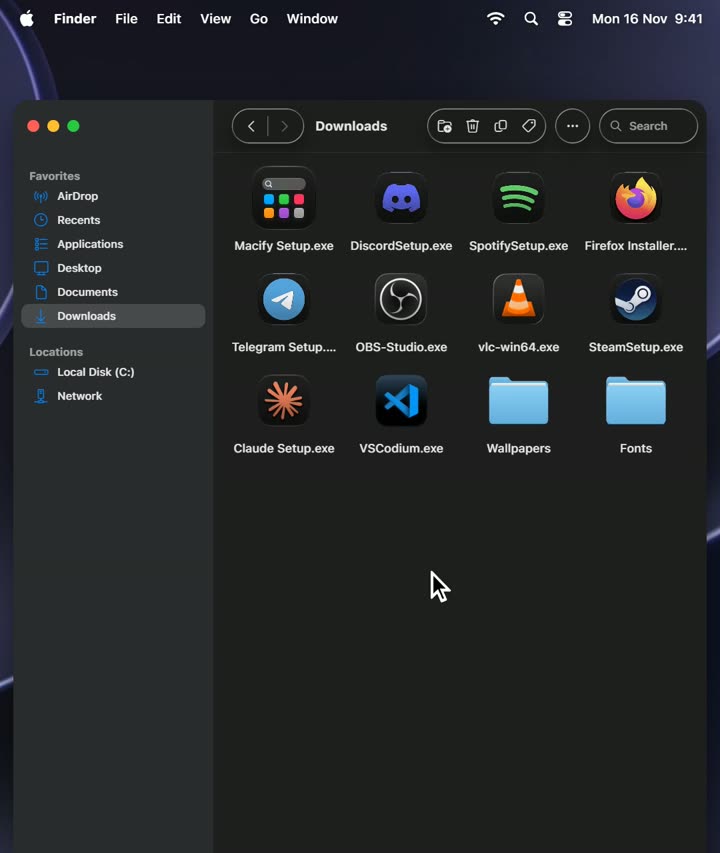
Icons, list, columns and gallery. Tabs, a preview pane, tags, recents, pinned folders and a path you can type into.
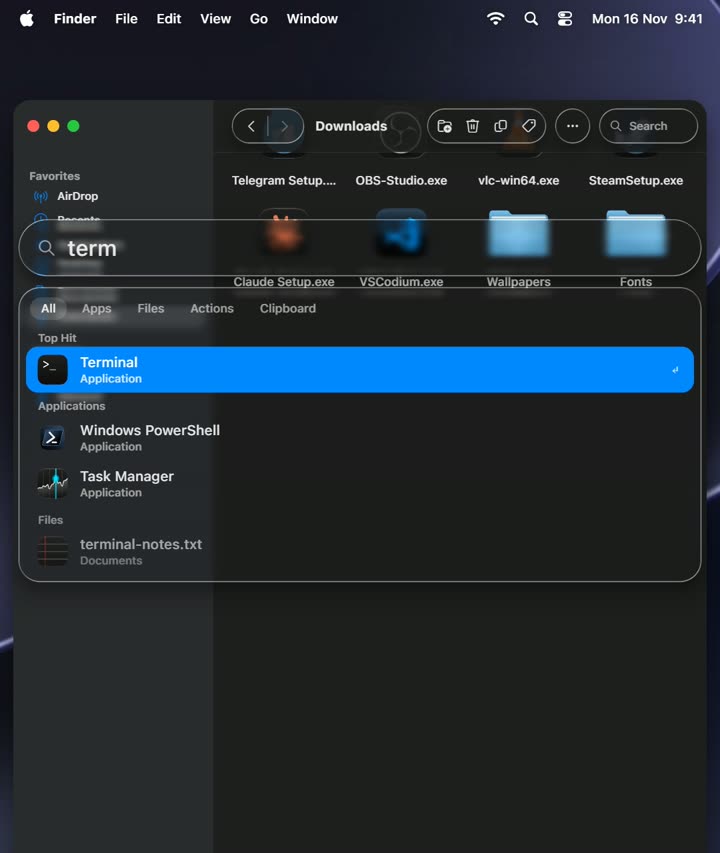
Alt Space finds apps, files, actions and answers sums, then gets out of the way of fullscreen games.
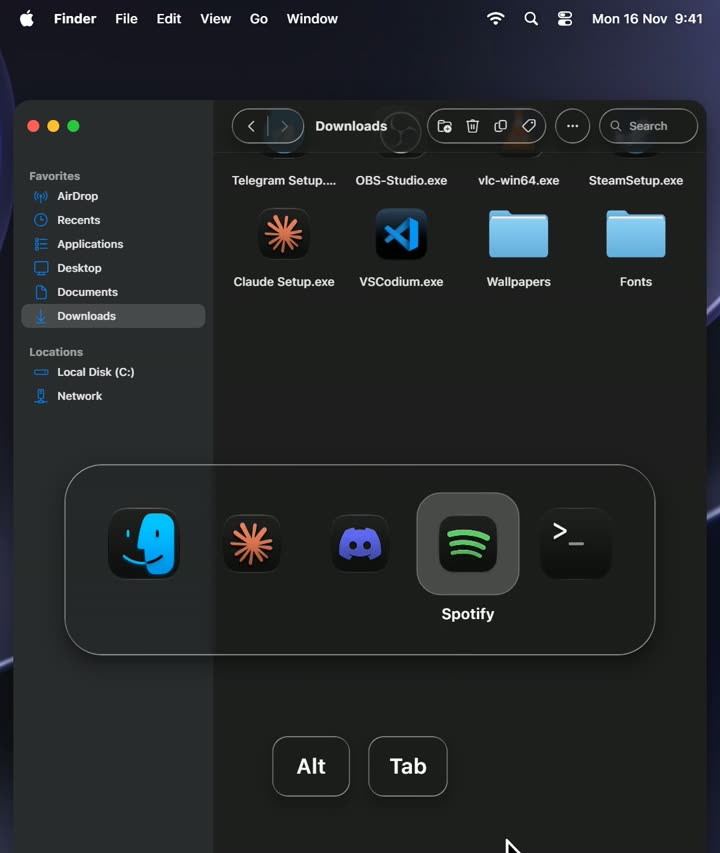
Alt Tab through apps, not windows, like ⌘ Tab.
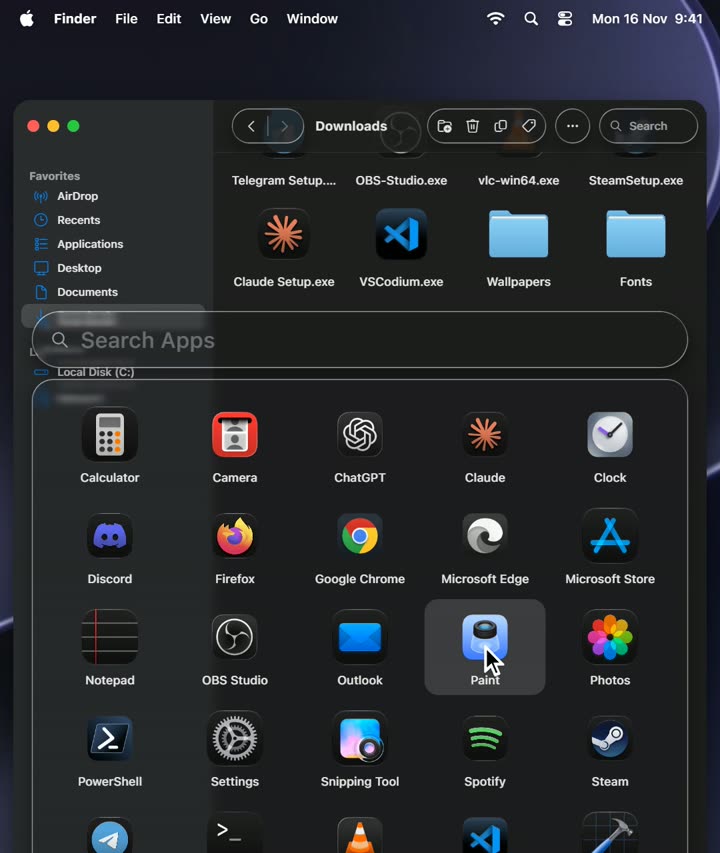
Every program on your PC in one glass grid, a click away from the Dock.
Now Playing with artwork and a live waveform, calls from Discord, Telegram and Teams, and the volume, in a living island at the top.
The app's own menus, the clock, Wi-Fi, Bluetooth and a Control Center of glass pieces: Wi-Fi, Bluetooth, Now Playing, Display, Sound, Focus, screenshot mode.
Pick the speakers and microphone from the menu bar, and give every app its own level.
Every window at a glance, live. Hot Corners open it, show the desktop or the Notification Center.
Drag a window to an edge for a half, a corner for a quarter, the top to fill the screen.
Banners for every program, a Notification Center with history, a calendar, a clock and notes.
Macify changes nothing it cannot put back. A watchdog restores the taskbar if it ever crashes, Ctrl Alt Shift Esc is an emergency exit, and quitting gives you Windows exactly as it was. It installs for your account only, without administrator rights.
Thirty seconds of Macify
Springy, fast and drawn at your display's refresh rate.
Free. For Windows 11, 64-bit.

9d8264bf7f0240cca742a04b64c6b6fdceda61f431f8e2121f67a5a6fec91c8dRun the setup. If SmartScreen warns about an unknown publisher, choose More info › Run anyway.
Macify starts: the taskbar steps aside for the Dock and the menu bar.
Open Settings from the Dock or the menu bar to make it yours. First steps
Credits
vexar's Tahoe Dock gave Macify its start: the native Dock, menu bar, menus, Control Center, Genie and the first glass shader. Islet was the base of the Dynamic Island. Both were reworked since, and vexar still helps.
@vexar on DiscordDesign, the Liquid Glass renderer, Finder, Spotlight, Mission Control, the Sound panel, Settings and the rest of the desktop.
whiledo.xyzmacOS 27 Golden Gate is Apple's design. Macify re-implements its look and contains no Apple code. Macify is a fan project, not affiliated with Apple.
Full credits